Wedding & engagement invitations

Your wedding, beautifully invited.

Design an elegant card or a full animated e-invitation, send every guest their own personal link on WhatsApp, and watch the answers arrive in your dashboard.

  • Unlimited guests
  • Personal links
  • Live RSVP tracking
  • English & Arabic
Especially forMr. & Mrs. Karim HaddadYour table7

Wedding

Lea and Sami

June142027Monday · 6:30 PM

To be held atThe Grand Terrace

Lea & Sami

Save the date

Until 14 June 2027

--Days--Hours--Minutes--Seconds
Add to calendar

We would be honoured to have you with us as we begin our life together.

Together with their families

LeaSami

Two families, one celebration. Join us for an evening of vows, music and dancing by the sea.

Ceremony

Saint Nicolas Church

Old Town, Jounieh

Date
June 14, 2027
Time
5:00 PM
Open map ↗

Reception

The Grand Terrace

Sea Road, Jounieh

Date
June 14, 2027
Time
6:30 PM

Dinner is served at 20:30.

Open map ↗

Gift registry

Your love, laughter and presence are all we could wish for. For those who wish, a wedding list is available.

Bank accountLea Khoury · Bank Audi
LB12 0999 0000 0001 2345 6789
Whish Money
70 123 456

We cannot wait to celebrate with you.

Will you join us?

Guests answer here. This is a preview.
Midnight Palace

Tap the seal — this is a real invitation, personalised for a guest. Pick another design above.

The Cinematic collection

Invitations that open like a film.

Your guest taps the wax seal with your initials, the envelope opens, doors swing wide — and your names appear over a living scene. Hover or scroll to see them move; watch any of them open.

Cinematic

Garden Gates

Wedding · opens like a film

Use this design →
Cinematic

Midnight Palace

Wedding · opens like a film

Use this design →
Cinematic

Mediterranean Terrace

Wedding · opens like a film

Use this design →
Cinematic

Arabian Nights

Wedding · opens like a film

Use this design →
Cinematic

Cedars at Dawn

Wedding · opens like a film

Use this design →
Cinematic

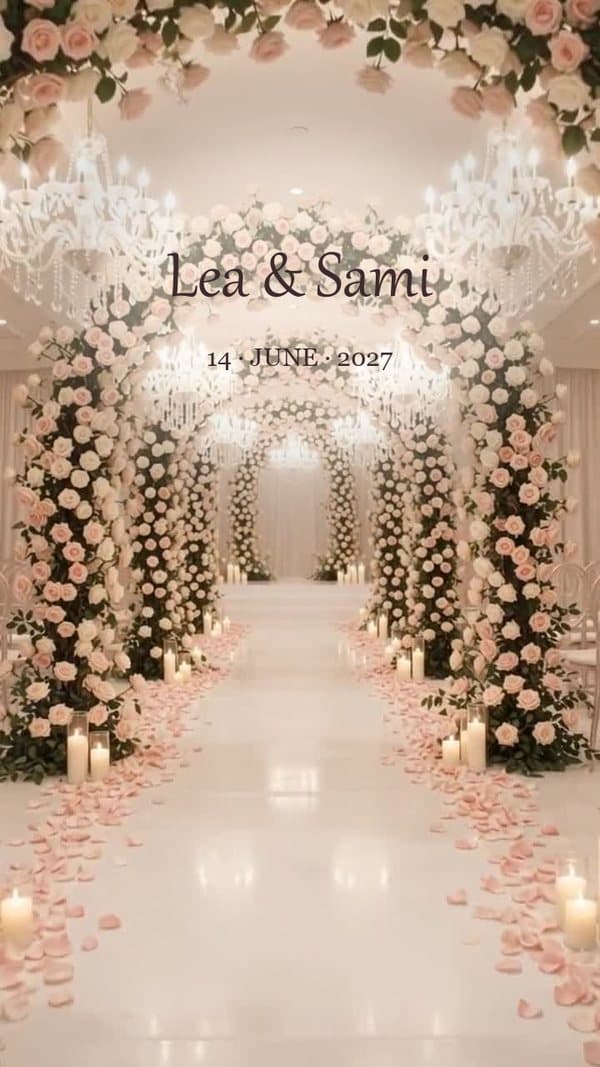
Rose Tunnel

Engagement · opens like a film

Use this design →
Cinematic

Lavender Golden Hour

Wedding · opens like a film

Use this design →

Two ways to invite

Choose how your guests will open it.

Both come with personal links, RSVP tracking and the guest panel. Pick the one that matches your day.

Card invitation

One beautiful card, opened in a tap.

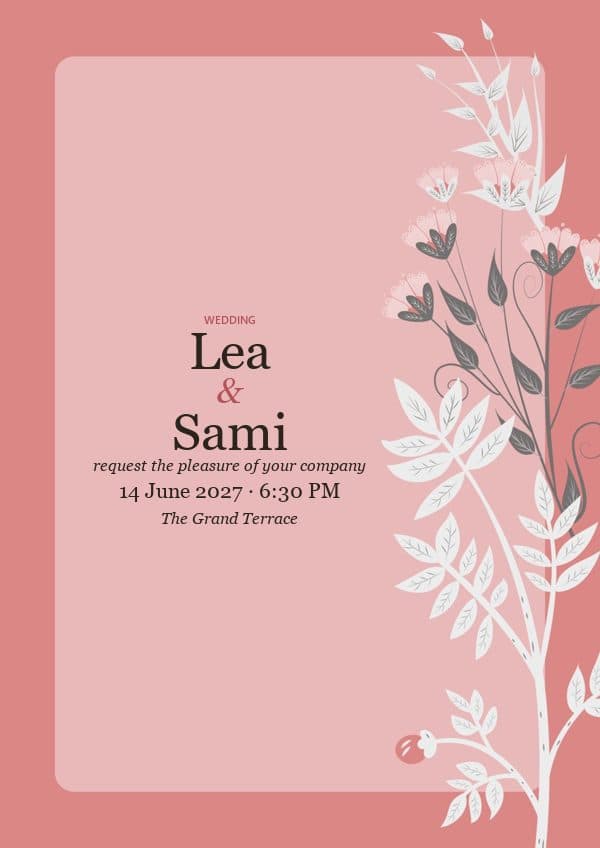
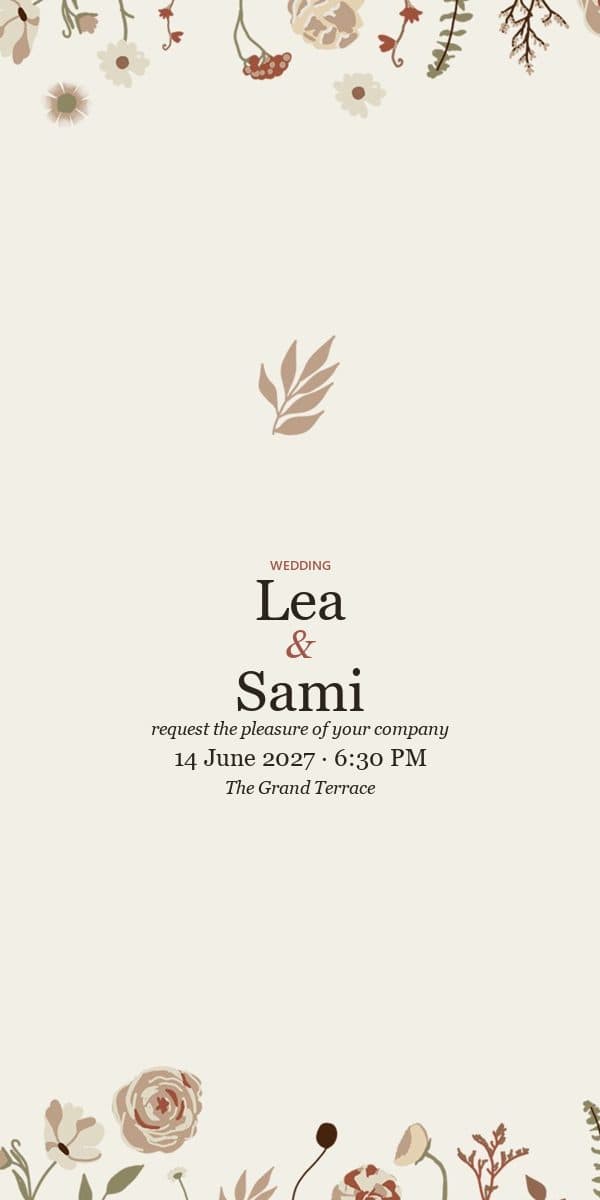
A single elegant card with your names, the date and the venue — personalised with each guest's name, with RSVP buttons right underneath.

  • Your names, date & venue on a designed card
  • Each guest sees their own name on it
  • Coming / not coming in one tap
  • Light and instant on WhatsApp
Start a card

E-invitation

A full experience that unfolds.

An animated opening, your photos and video, the ceremony and reception with maps, the schedule, a gift page — everything your guests need, in one link.

  • Animated opening and background music
  • Photo gallery and video
  • Ceremony, reception and schedule with maps
  • Gift registry with IBAN and Whish details
Start an e-invitation

Which one is right for you?

Choose a card if…

  • You want something classic and simple — like a printed card, but on the phone.
  • Your guests mostly need the essentials: names, date, venue and a map.
  • Many guests are older relatives who prefer one clear page to scroll.
  • You want it to open instantly, even on a weak connection.
Compare everything side by side
Card or e-invitation: what each one includes
What your guests getCardE-invitation
Personal link with the guest's own name✓✓
RSVP with seats, reminders and the guest dashboard✓✓
Date, venue and map✓✓
Ceremony and reception locations✓✓
Dress code, gift registry (IBAN, Whish)✓✓
A main photo✓✓
Opening animation (envelope, curtains, film)Cinematic designs✓
Countdown to the dayCinematic designs✓
Background music—✓
Photo gallery and video—✓
Schedule of the day (timeline)—✓

Same price for both — you pay once per invitation, by design collection. Not sure? Start with either one: you can switch between card and e-invitation at any time before you publish. Try both in the live demo at the top of this page.

All included with every invitation

Everything your guests need. Everything you need to know.

Animated invitationA cover that opens with a tap, then unfolds section by section.
Photo gallery & videoYour engagement shoot, a short film, and background music.
Maps & locationsCeremony, reception and meeting points, each with its own map link.
Personal links & RSVPEvery guest gets a link with their name on it and answers in one tap.
Guest tracking panelOpened, coming, not coming, left on seen — plus last seen and open counts.
Excel guest listDownload the groom-side / bride-side sheet, fill it in, upload it back.
Share on WhatsAppSend each personal link straight to the guest's number with a ready message.
Tables & QR seat scanAssign tables, print one QR code, and guests find their seat at the entrance.

Guest tracking panel

Know exactly who is coming — and who left you on seen.

Every guest gets a personal link. The moment they open it, you see it. The moment they answer, you know. Nobody disappears into a WhatsApp group chat.

  • Opened, coming, not coming, seen without answering, never opened
  • Last seen and how many times each guest opened the invitation
  • Groom side and bride side, with the seats each guest confirmed
  • Tables, a QR find-your-table page, and a phone preview per guest

How it works

From your names to every guest’s phone in four steps.

  1. Choose card or e-invitation

    Pick a design, your occasion and the type of invitation that fits your day.

  2. Fill in your day

    Names, date, venues, photos, music, gift details — everything in a guided editor with a live phone preview.

  3. Upload your guest list

    Add guests one by one, or fill the groom-side / bride-side Excel sheet and upload it. Each guest gets a personal link.

  4. Send and watch the answers

    Send each link on WhatsApp with one tap, then follow opens and RSVPs live in your dashboard.

The designs

Every design works as a card or an e-invitation.

Choose the palette and the opening that fits your celebration; the layout adapts to the type you pick.

Pricing

One invitation, one price. Unlimited guests.

Design and preview everything for free. You only pay when you publish, and your wording stays editable afterwards.

Classic

$49per invitation

Timeless designs for an intimate celebration.

  • Card or e-invitation
  • Personal links & RSVP tracking
  • Guest panel & Excel import
  • WhatsApp sharing
See classic designs

Luxury

$119per invitation

Our most elaborate designs, hand-finished.

  • Everything in Premium
  • Luxury collection designs
  • Hand-lettered name reveals
  • Priority support
See luxury designs

Before you create

Questions couples ask us.

Do my guests need an app or an account?

No. Guests open their personal link in any browser, on any phone, and answer right there. Nothing to install, nothing to sign up for.

Can I see my invitation before paying?

Yes. Choose a design, add your details and preview the exact invitation on a phone frame. Payment is only needed when you publish and start sending links.

How do I send the invitations?

Upload your guest list (or add guests one by one) and every guest gets a unique link. From the guest panel you tap WhatsApp next to a name and the message, with their link, opens ready to send.

Can some guests see the ceremony and others only the reception?

Yes. In the Excel sheet or on each guest, choose whether they see the ceremony details and whether they see the gift page.

How do guests find their table?

Assign tables in the guest panel (or in the Excel sheet), switch on the find-your-table page, and print its QR code at the entrance. Guests scan it, type their name and see their table.

Is Arabic supported?

Yes. Invitations can be in English, Arabic or bilingual, including the RSVP card and the WhatsApp message.

Ready when you are

Let every guest feel personally invited.

Create your invitation in minutes. Publishing comes later, whenever you are ready.

Create your invitation